

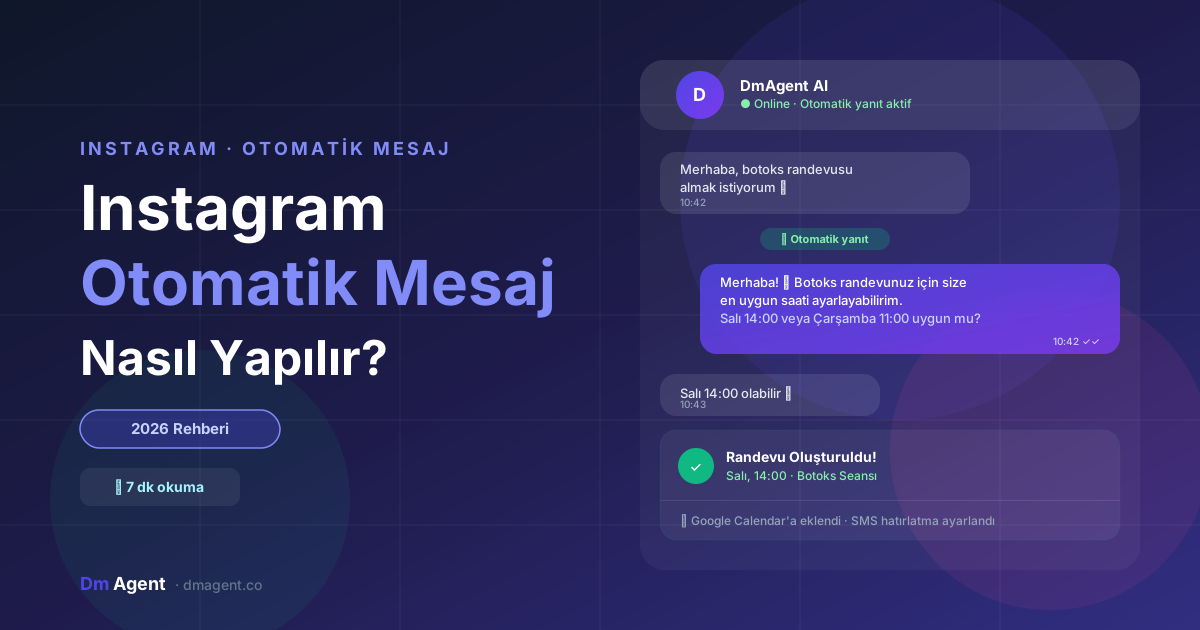
Instagram auto-reply is a system that automatically and instantly responds to customer messages on Instagram Direct — without manual intervention. It allows you to communicate with customers without being present at your screen.
1. What Is Instagram Auto Reply?
Instagram auto-reply is a system that sends pre-defined or AI-powered responses to messages arriving on Instagram Direct without human intervention.
Modern Instagram DM automation doesn't just send messages:
- Understands what the customer wants
- Creates appointments and adds them to the calendar
- Provides price and service information
- Saves the customer to CRM
- Schedules reminder messages
2. Why Is It So Important?
Reason 1: Response Speed Determines Sales
Research shows that businesses responding within the first 5 minutes have a conversion rate 21 times higher than those responding 1 hour later.
Reason 2: Human Capacity Is Limited
A business receiving 50–200 DMs a day spends 2–4 hours daily just replying to messages. That time could go toward customer service, sales, and other critical tasks.
Reason 3: Repetitive Questions Kill Time
"What are your prices?", "Are you open?", "How do I book?" come in dozens of times every day. An auto-reply system answers these instantly while freeing you up.
3. Classic Auto Reply vs AI
| Feature | Classic Automation | AI |
|---|---|---|
| Setup time | 1–2 hours | 30 minutes |
| Learning ability | ❌ | ✅ Improves with every update |
| Context understanding | ❌ | ✅ |
| Appointment creation | Limited | ✅ Fully automatic |
| Natural conversation | ❌ Robotic | ✅ Human-like |
| Risk of misunderstanding | High | Low |
| CRM integration | Manual | ✅ Automatic |
4. How to Set Up Instagram Auto Reply
Switch to an Instagram Business Account
Auto-reply features only work on Instagram Business and Creator accounts. Profile → Settings → Account → "Switch to Professional Account".
Choose and Connect Auto-Reply Tools
Basic method: Instagram's built-in "Quick Replies" — limited but free. Full automation: AI platforms like DmAgent — real 24/7 replies, appointment creation and CRM integration.
Create Ready Replies for Common Questions
Prepare clear, brief, action-oriented answers for price questions, booking requests, working hours and location info. Each reply should lead to the next step (booking, link, referral).
5. AI-Powered Auto Reply: The Most Effective Method
Classic auto-reply systems match keywords. If a customer writes "lip botox" instead of "I want botox", the system may not understand.
AI-powered systems instead:
Talk — Not Just Reply
- Customer: "my sister recommended you"
- AI: "How lovely! What service are you interested in? We can prepare a special offer for you too 😊"
Convert to Appointments
Not just providing information — directs customers to the automatic booking system and adds the appointment to the calendar.
Reminds and Follows Up
Sends automatic reminder messages after appointments, reducing no-shows by 68%.
7. Common Mistakes
Mistake 1: Starting and Ending with "Hello"
- ❌ Bad: "Hello! Message received, we'll get back to you soon."
- ✅ Good: "Hi! 😊 Can we book your appointment at the earliest available slot?"
Mistake 2: Too-Long Messages
Customers don't want to read long text in DMs. Replies should be short, clear and action-oriented. Maximum 3–4 sentences.
Mistake 3: Forgetting Human Handoff
Complex complaints and refund requests shouldn't be left to automation. The system should route these to a real person.
8. Set Up in 30 Minutes with DmAgent
DmAgent is a platform that automatically manages Instagram and WhatsApp DMs with AI.
Create free account
Start a 14-day trial at DmAgent.co. No credit card. (5 min)
Connect Instagram
Connect your Instagram Business account via Meta Business Suite. (10 min)
Fill knowledge base
Enter services, prices, hours and FAQs. AI learns the rest. (10 min)
Test and go live
DM yourself to test, then activate with one click. (5 min)
Conclusion
Instagram auto-reply is no longer a luxury — it's essential for staying competitive. Built-in Instagram tools can get you started, but for real conversion you need AI-powered automation.
For more info: What Is Instagram DM Automation? Complete Guide and How to Set Up an Instagram Chatbot.